Showings
Search, plan, show, then follow up.
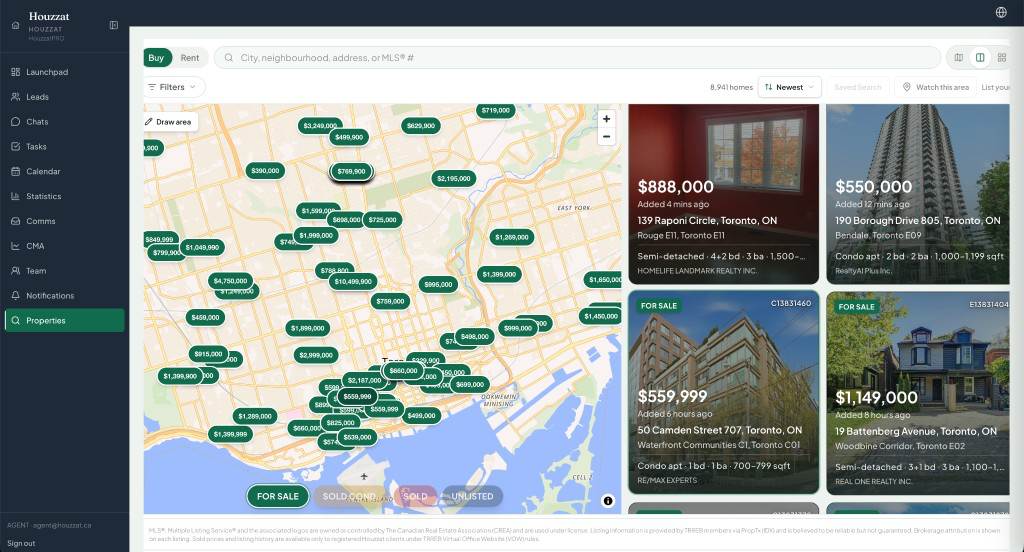
Property search and the viewing planner are two parts of the same client work: choose homes, put them in order, and keep the result on the lead.

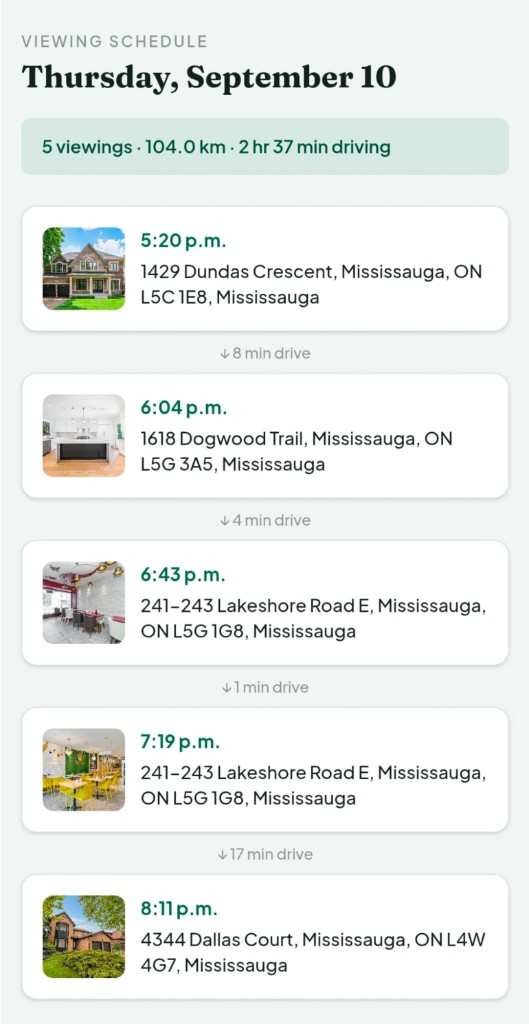
Example day
5 viewings · 20.0 km
The showing day
Choose the homes, then take the plan.
- 01
Search
Find homes in the workspace’s search.
- 02
Select
Keep the homes that belong on the client’s tour.
- 03
Plan
Arrange them into a viewing day.
- 04
View
Take the plan on the phone.
- 05
Follow up
Come back to the same lead afterward.
Book a demo